Review: Motorola Razr 70 Ultra, The Razr Has Come A Long Way Since 2004
 April Ossington
21 Sep 2026
April Ossington
21 Sep 2026
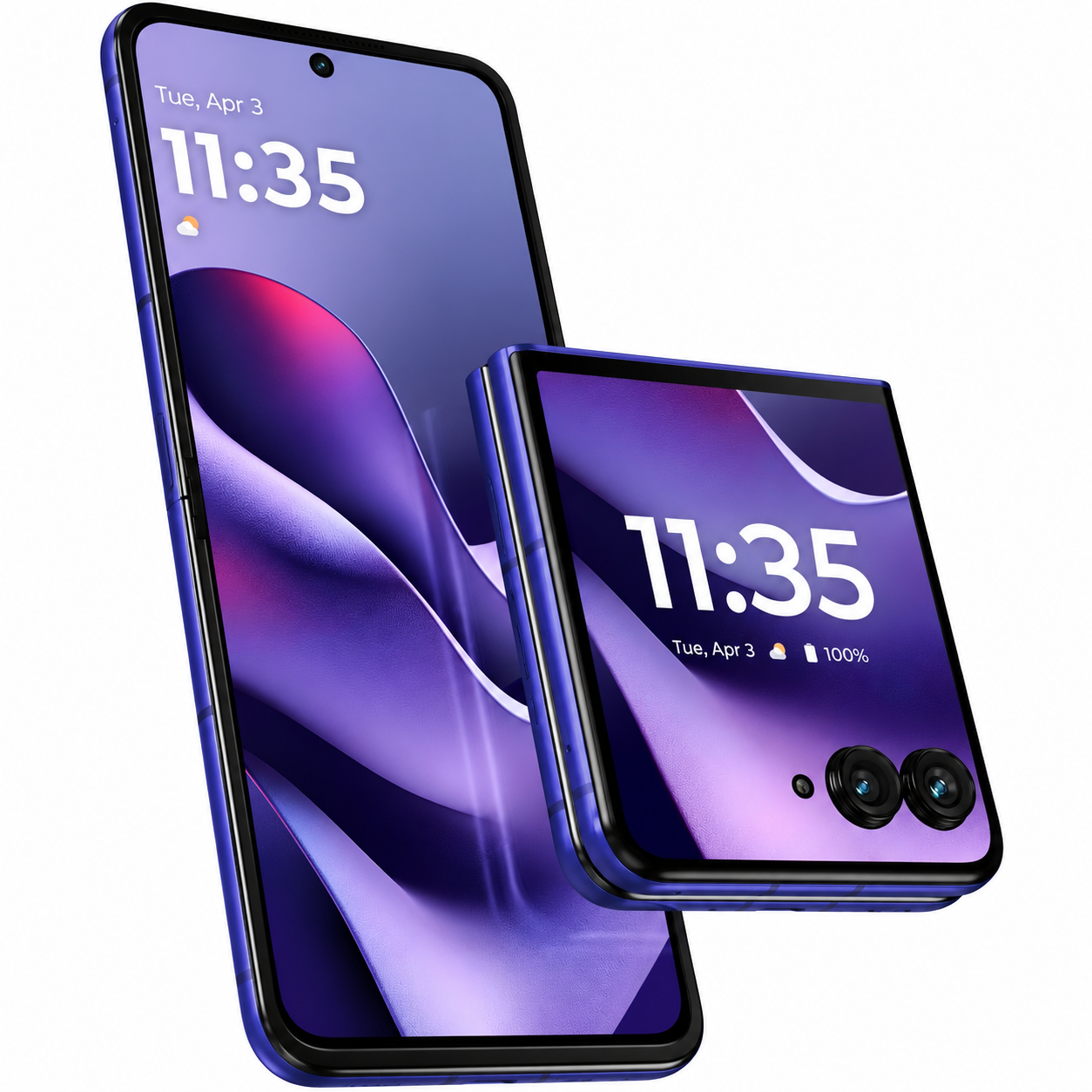
There’s something slightly surreal about using the Motorola Razr 70 Ultra more than two decades after I owned the original Razr back in 2004.
That phone was one of the defining mobiles of its era. Flipping it open to answer a call and snapping it shut when you were finished was part of its appeal, although what we expected from a mobile phone back then was obviously very different.
More than 20 years later, I’m back using a Razr, except this time the entire display folds. It feels like a completely different device, but there is still something familiar and nostalgic about that satisfying folding design.
My previous phone was an iPhone 14, and switching everything across was far more troublesome than I expected. Photos, accounts, apps and the various parts of Apple’s ecosystem I had become accustomed to made the process frustrating. But that’s hardly Motorola’s fault.
Once I got past the initial migration, however, the Razr 70 Ultra was remarkably easy to use.
I’m not completely new to Android. I’ve switched between Apple and Android several times over the years, so Google’s operating system isn’t foreign territory. Even so, anyone making the same move should find Motorola’s interface relatively straightforward. It doesn’t take long for the basic controls and navigation to become second nature.
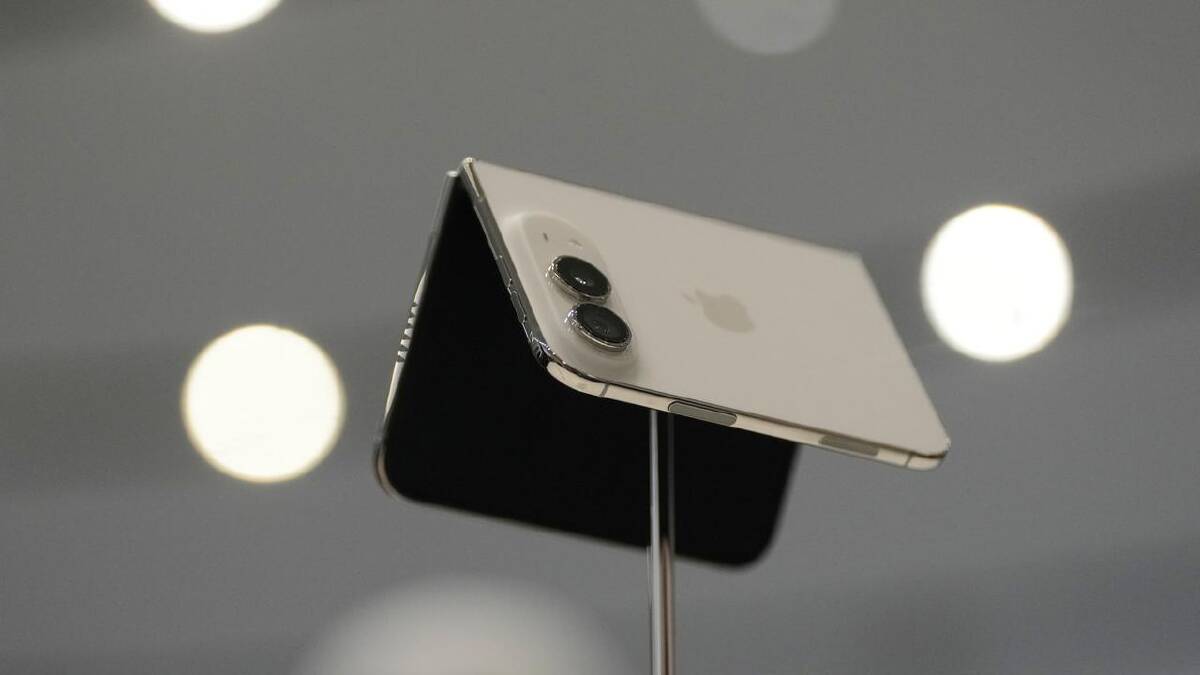
The folding design is obviously the main attraction. Open it up and it behaves much like a conventional large-screen smartphone, but fold it closed and it becomes dramatically smaller and easier to carry.
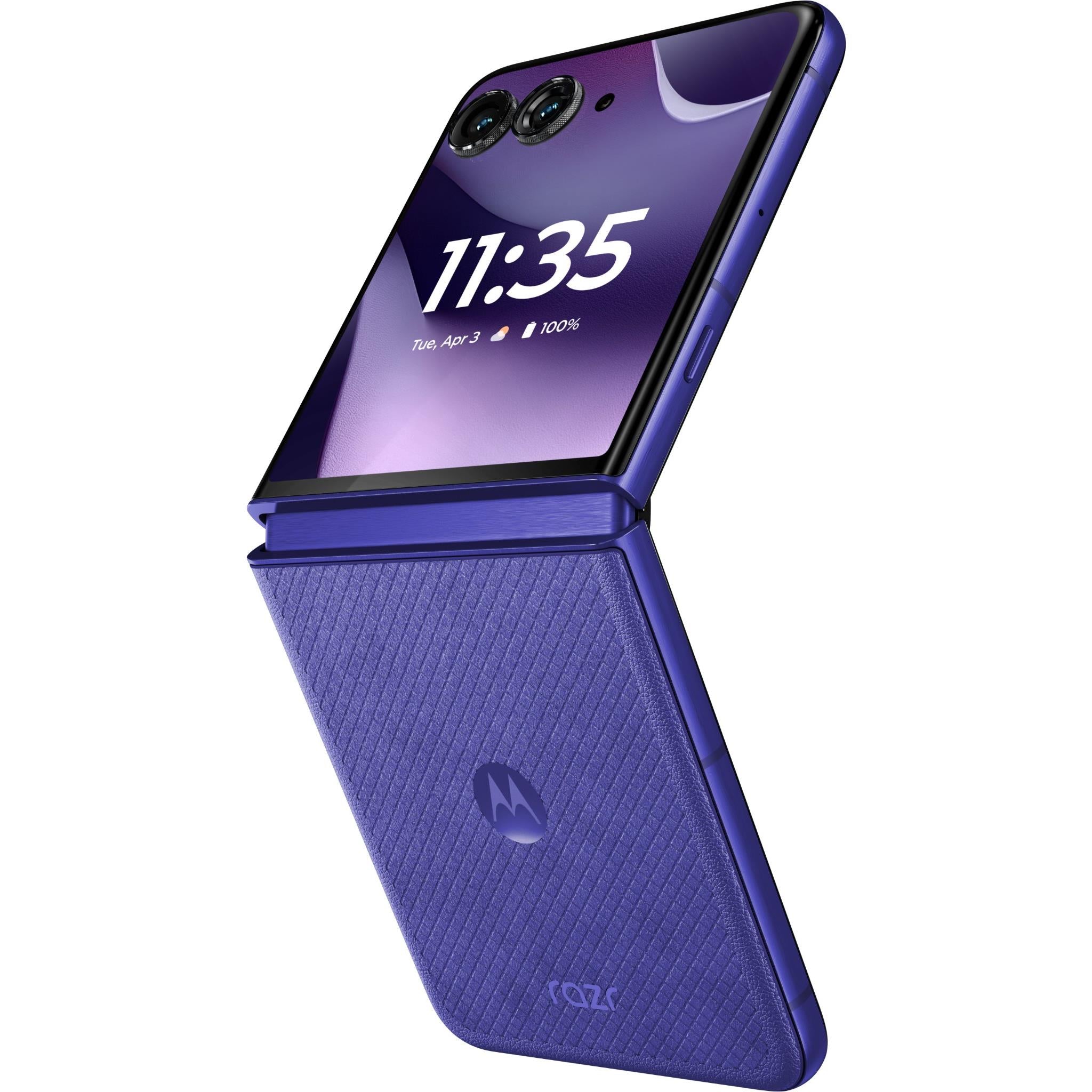
More importantly, the external display means you don’t always have to open the phone. Being able to check notifications and interact with apps from the front screen is genuinely useful rather than feeling like a gimmick.
There is one thing about that front display that drives me mad, though. When I’m listening to music, I regularly manage to accidentally pause it or skip a track from the external screen. Because the controls are sitting right there on the outside of the phone, it’s surprisingly easy to activate them unintentionally while handling the Razr.
It sounds like a relatively small complaint, and it is, but it’s also something that becomes more irritating the more often it happens.
I encountered another unexpected annoyance when using Google Pay. Initially, I found myself moving the phone around over payment terminals trying to work out exactly where it needed to be positioned.
I eventually discovered that the NFC contact point is around the middle of the phone rather than where I instinctively expected it to be. Even after working that out, I still sometimes find myself searching for the right position when tapping to pay at the shops. It isn’t a major problem, but contactless payments don’t feel quite as effortless as I’d like.
Battery life, on the other hand, has been impressive. The Razr 70 Ultra has a 5,000mAh battery, and I’ve found it capable of comfortably getting me through everyday use without constantly thinking about where my next charge is coming from. That’s particularly welcome in a foldable, where squeezing a large battery into a thin folding body isn’t easy.
There’s also 68W wired charging and 30W wireless charging, making it relatively quick to top up when it does eventually run low.
The camera has also been enjoyable to use. Motorola has equipped the Razr 70 Ultra with a 50MP main camera, 50MP ultrawide camera and 50MP internal selfie camera.
One advantage of the folding design is that you can use the main cameras for selfies while using the external display to frame the shot. You can also partially fold the phone and position it without a stand, which can be handy for group photos and video.
For everyday photos, I’ve found the camera straightforward and capable. It works well when I simply want to pull out the phone and take a quick shot without spending time adjusting settings. There isn’t a dedicated telephoto camera, however, which limits its versatility if you regularly rely on zoom.
One area where Motorola is harder to defend is its long-term software support. The Razr 70 Ultra is promised three years of Android OS updates and five years of security updates.
For a premium smartphone, three major Android updates feels stingy, particularly when some competing flagship phones now offer considerably longer software support. At this price, I’d like to see Motorola support the phone for longer.
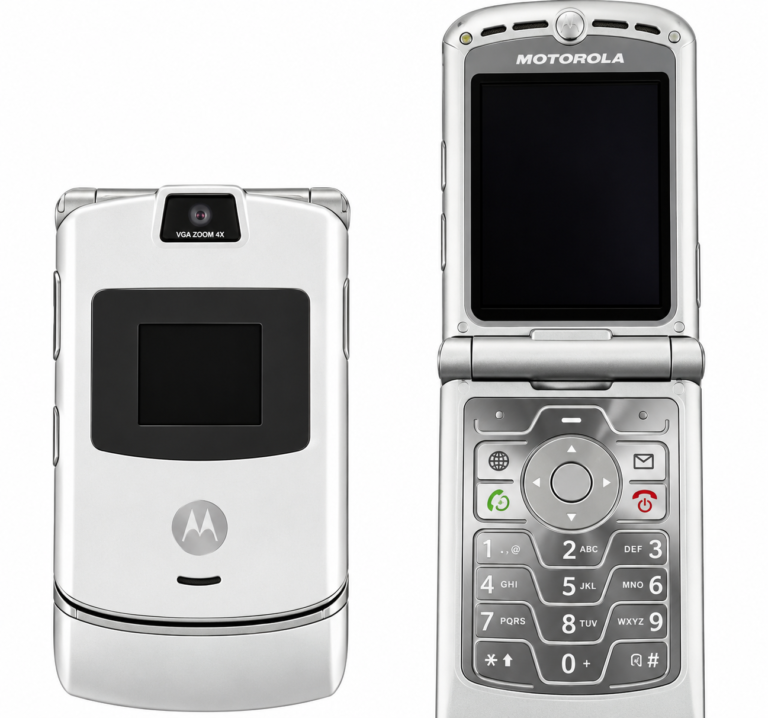
The original Razr from 2004
Overall, though, the Razr 70 Ultra feels considerably less intimidating than I expected a foldable to be. After the novelty of opening and closing it wears off, you simply start using it as a normal phone.
That’s probably one of Motorola’s biggest achievements here. The folding hardware is interesting, but you don’t need to constantly think about the fact you’re using a foldable.
For someone coming from an iPhone, there are inevitably things that take some adjustment. Apple’s ecosystem is difficult to replicate when you’ve spent years using services and accessories designed to work together. The difficulty I experienced moving away from my iPhone 14 shouldn’t be confused with the Razr itself being difficult to operate.
In fact, the opposite was true. Once everything was set up, the Motorola was easy to understand and comfortable to use.
The Razr 70 Ultra isn’t perfect. Accidentally interfering with my music from the cover screen is irritating, Google Pay hasn’t always been as effortless as I’d like, and Motorola needs to be more generous with its long-term software support.
But the battery life is strong, the camera is capable and the external display is genuinely useful. Most importantly, the folding design doesn’t feel like a novelty that gets in the way of using the phone.
After owning the original Razr in 2004, it’s remarkable to see how far the concept has come. The reason for folding a phone might be completely different in 2026, but there’s still something satisfying about snapping a Razr shut 22 years later.
Rating 4/5
Pros
- Excellent battery life
- Large, genuinely useful external display
- Easy to use, even when switching from an iPhone
- Strong 50MP main camera
- Compact and convenient folding design
- Fast wired and wireless charging
Cons
- Easy to accidentally pause or skip music from the external screen
- Google Pay tap position can be difficult to locate
- Only three years of Android OS updates
- No dedicated telephoto camera
- Switching from the Apple ecosystem can be frustrating