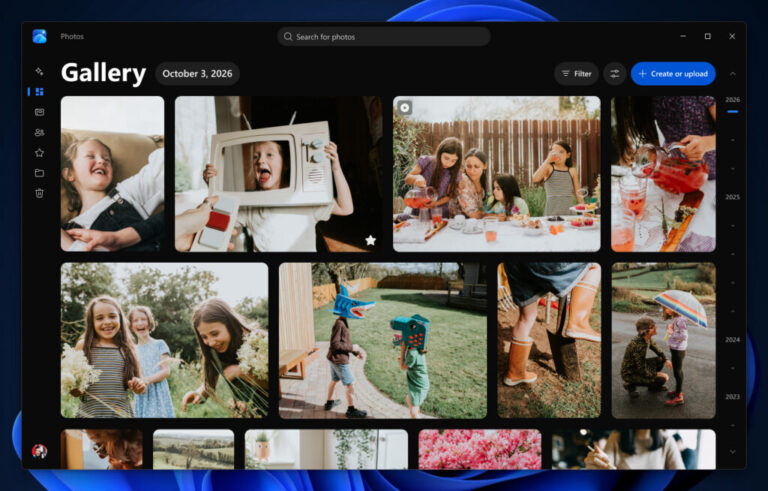
New Windows 11 Photos App Has Faster Editing & iCloud Integration
 Emma Wheaton
19 Oct 2026
Emma Wheaton
19 Oct 2026
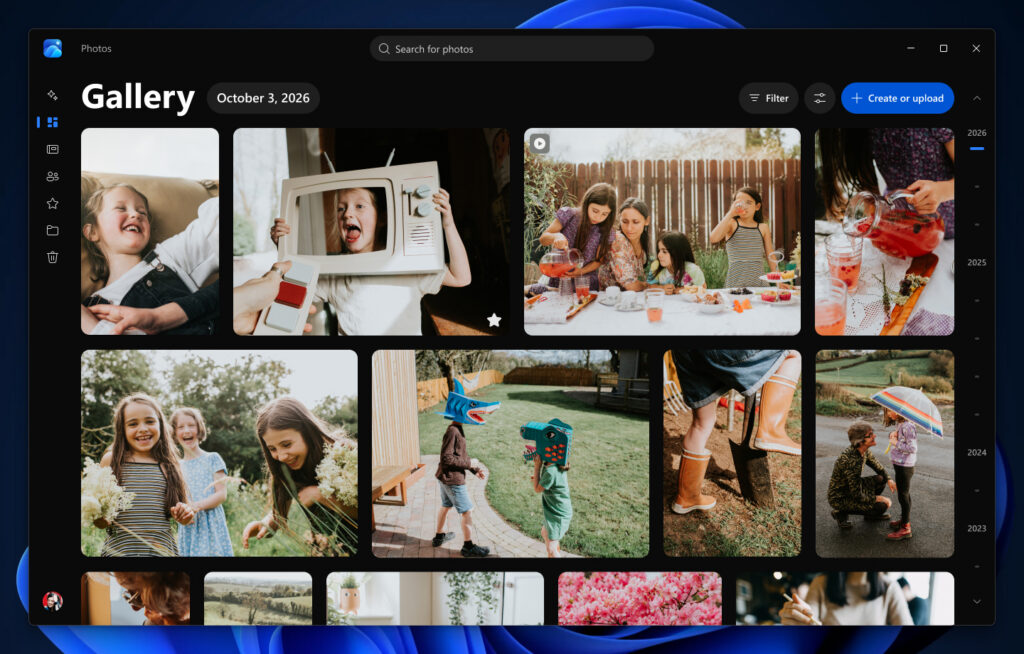
Microsoft is rebuilding its Windows 11 Photos app, adding a faster editor, AI-powered editing tools and a unified gallery designed to make managing images across PCs, OneDrive and Apple devices easier.
The overhaul introduces a new gallery, a rebuilt photo editor and a redesigned image viewer. The update is initially rolling out to Windows Insiders, with wider availability planned for Windows 11 users later in 2026.
For Australians using Windows PCs alongside iPhones, the expanded integration with Apple’s iCloud could be one of the most practical changes. The new app will allow photos and videos from different libraries to appear in a single gallery.
Users can browse their collections, organise albums, mark favourites and search for images using descriptions, rather than relying on filenames.
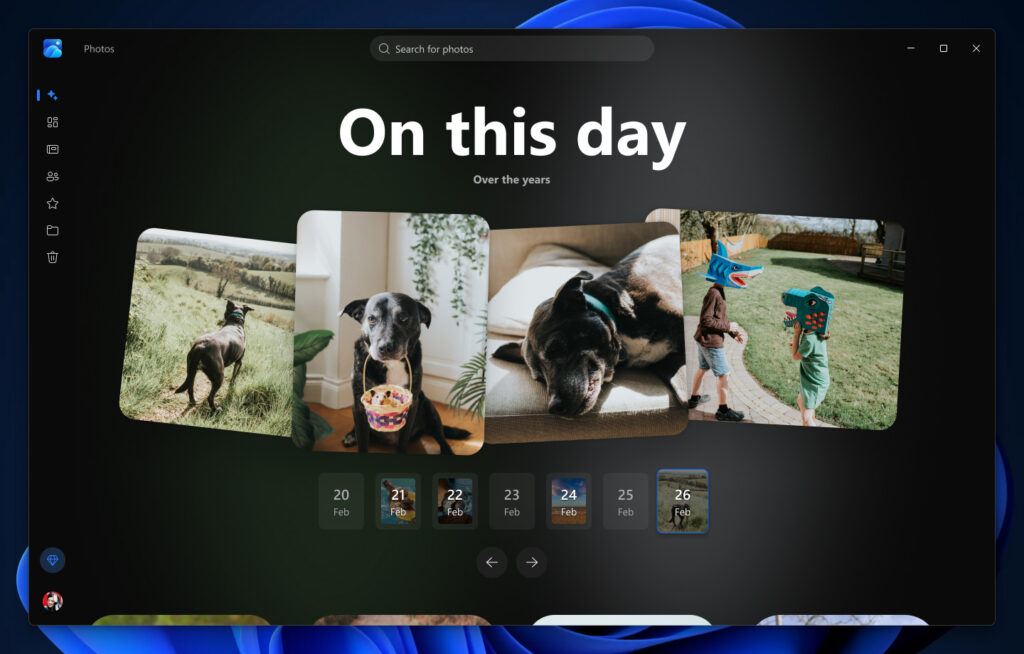
Microsoft’s Moments feature also groups selected OneDrive photos into collections, helping users revisit memories and share highlights.
The iCloud integration requires Apple’s iCloud for Windows software to be configured, while OneDrive features depend on the account and settings.
Microsoft has rebuilt the editor around four categories: Crop, Enhance, Repair and Stylize. It now gives users a more straightforward way to find common editing tools.
The updated software includes Relight, which can adjust lighting, and an object-removal feature designed to get rid of unwanted distractions from backgrounds.
The editor also supports HDR photo editing while preserving image quality, alongside the ability to edit and save HEIC and WebP files in original formats.
That is particularly relevant for iPhone owners who regularly transfer HEIC images to Windows computers and want to edit them without converting files first.
Microsoft says the rebuilt editor launches 25% faster than the previous version under its testing conditions.
The redesigned image viewer has a cleaner layout, improved HDR viewing and support for additional file formats, including SVG images.
Microsoft says the viewer launches 15% faster on average, while HEIC images can open up to 30% faster.
The interface also provides easier access to editing, printing and sharing, alongside image information such as capture dates, camera details and location data when available.
However, the changes won’t suit everyone. The new experience does not restore every legacy feature, and Microsoft continues to direct users seeking the older Photos experience to its separate Photos Legacy app.