Google Rolls Out Quick Share Redesign
 Nigel Bowen
02 Sep 2025
Nigel Bowen
02 Sep 2025
Google has begun rolling out the redesign of its Quick Share feature, formerly known as Nearby Share.
The headline news is that the update introduces dedicated ‘Send’ and ‘Receive’ screens, which is a clear departure from the old setup.
When you launch Quick Share, via the tile or settings, you’re now dropped straight into the Receive screen.
Your device name takes centre stage and incoming transfer requests appear front and centre.
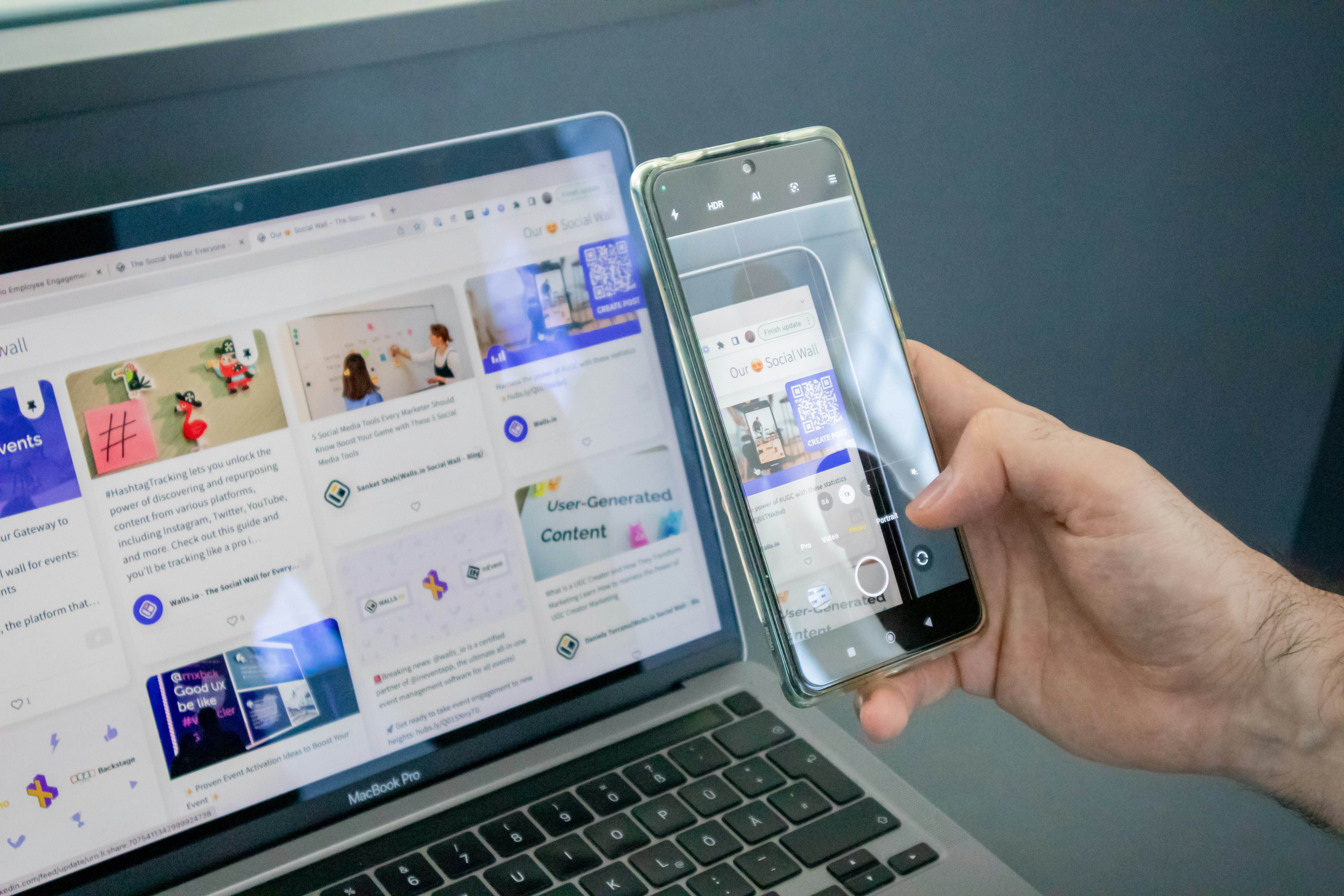
File sharing just got less clunkier
Switch to the Send screen, and you’ll find an integrated file picker that supports multiple file types, displaying previews before confirming the transfer.
This delivers real utility and means transfers no longer stall when the direct connection drops out; they continue over Wi‑Fi or mobile data.
QR code–based sharing rounds out the feature set. It allows users to initiate transfers without relying on device visibility or contact lists.
Since the rebranding of Nearby Share/Quick Share in early 2024, Google has been consolidating and streamlining its file-sharing experience across Android, Chromebooks, and Windows.
This overhaul suggests Google is serious about making Quick Share a core Android utility.
It’s finally giving it the polish and practicality AirDrop has long enjoyed on iOS.