Google Finally Fixes Major Googlebook Frustration For Samsung Galaxy Owners
 Dominic Bayley
13 Oct 2026
Dominic Bayley
13 Oct 2026
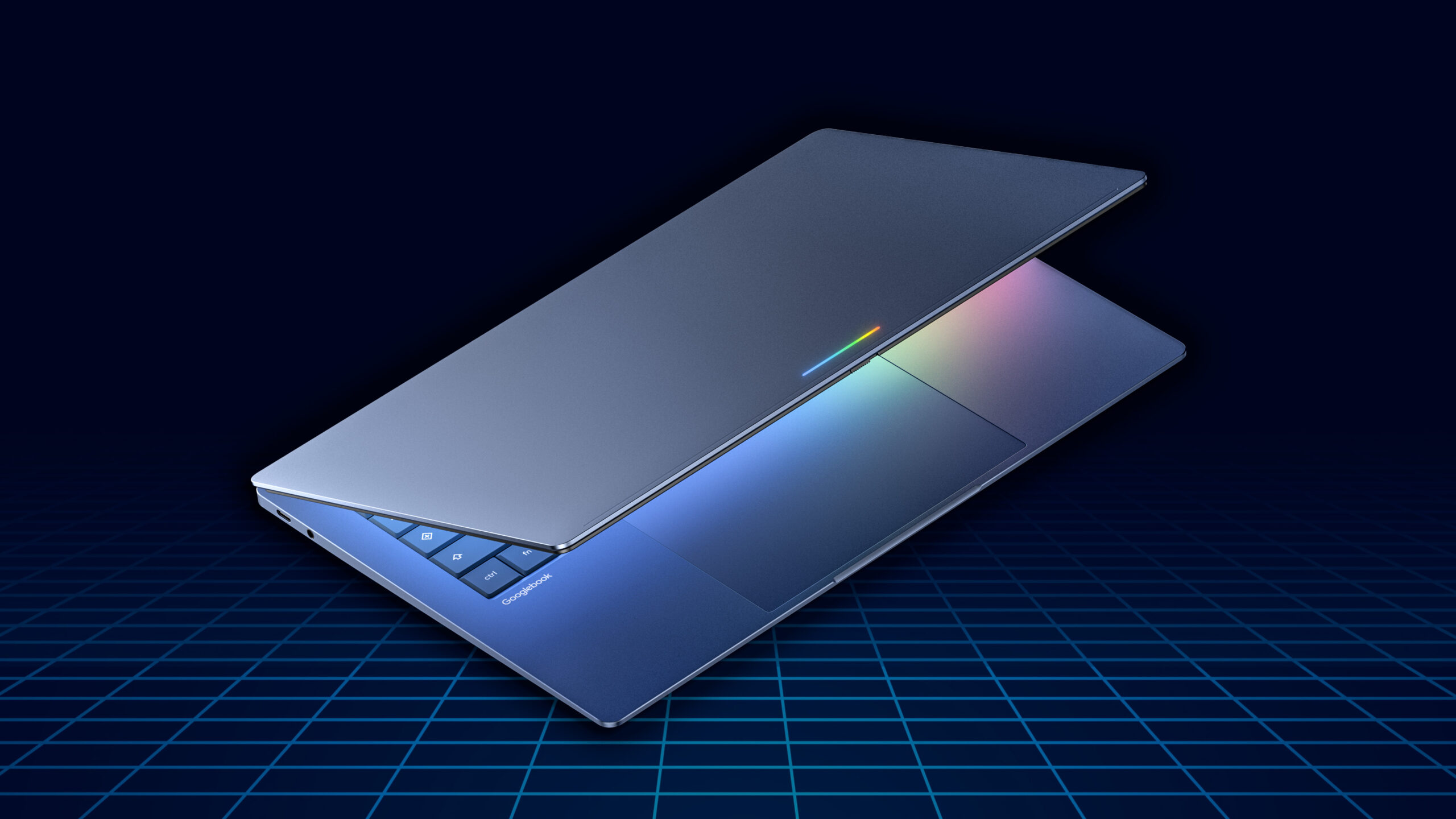
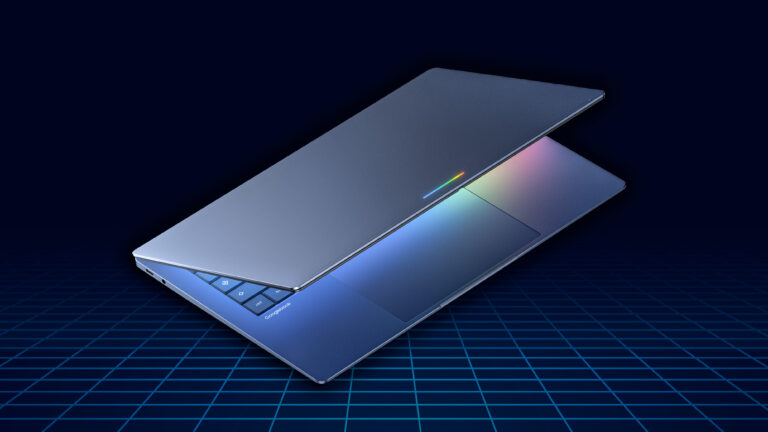
Google has begun rolling out an update that brings Samsung Galaxy smartphone compatibility to its Googlebook laptops, addressing a major shortcoming that has frustrated users since the devices launched.
The update enables Google’s Better Together features on Samsung smartphones running One UI 9, based on Android 17, allowing Galaxy owners to take advantage of the cross-device integration that was previously unavailable.
The lack of Samsung support had been a significant frustration for early Googlebook adopters, particularly given the close relationship between Google and Samsung. One Reddit user reportedly returned their Googlebook after discovering it could not properly connect with their Galaxy Z Fold 8.
According to Google community specialist Mishaal Rahman, who announced the update on Reddit, Samsung users will now have access to four Better Together features: Continue On, Cast My Apps, Quick Access and Notification Sync.
These features are designed to make switching between smartphones and laptops more seamless, allowing users to resume activities across devices, access smartphone applications from their laptop and synchronise notifications.
Alongside the Samsung compatibility update, Google is also introducing improvements to the Googlebook setup process through a new Google Play Services update.
The update aims to simplify the initial pairing experience and resolve a bug that caused the setup QR code to remain on screen even after a smartphone had successfully connected.
Both updates are being distributed automatically over the coming days, with Google advising users to keep their devices connected to Wi-Fi and charging to help speed up installation.
However, there are several requirements users must meet before accessing the new functionality.
Compatible smartphones must run Android 17, while Samsung Galaxy devices specifically require One UI 9. Both the smartphone and Googlebook must also be signed into the same personal Google Account, with Bluetooth and Wi-Fi switched on.
Users will additionally need Google Play Services version 26.37 or later and Cross-device services version 1.0.1346 or newer.
Google recommends avoiding public or restricted Wi-Fi networks during the initial setup process. Users experiencing connection problems may also need to temporarily disable VPN services or DNS blockers.
The update represents an important improvement for Google’s new laptop platform, which places smartphone integration at the centre of its appeal.
While Samsung compatibility was notably absent at launch, the latest rollout should make Googlebooks a more attractive option for Galaxy smartphone owners looking for a connected laptop experience.