Samsung One UI 8 Beta Now Available for Galaxy S24 and Foldable Devices
 Isabella Alexiou
12 Aug 2025
Isabella Alexiou
12 Aug 2025

Samsung has expanded its One UI 8 beta program beyond the Galaxy S25 series, with the update beginning rollout today for Galaxy S24 series, Galaxy Z Fold 6, and Galaxy Z Flip 6 devices in select regions.
The company plans to extend beta access to additional Galaxy phones, including mid-range models, in the coming weeks.
The expanded beta program allows more Samsung users to test new features before the stable release, though the company emphasises that proper preparation is essential for a smooth upgrade experience.
Samsung warns that beta builds typically contain bugs and unfinished features that may result in less than optimal software performance.
The company strongly recommends against installing beta software on primary devices due to these stability concerns.
Users should note that downgrading from One UI 8 beta to stable One UI 7 requires data erasure, making comprehensive backups crucial before installation.
There is no simple rollback option that preserves user data.
Devices must run the latest stable software to qualify for One UI 8 beta participation.
Users can check for updates through Settings > Software updates and select “Download and install.”
Samsung also recommends updating all device applications through Galaxy Store and Google Play Store before beta installation.
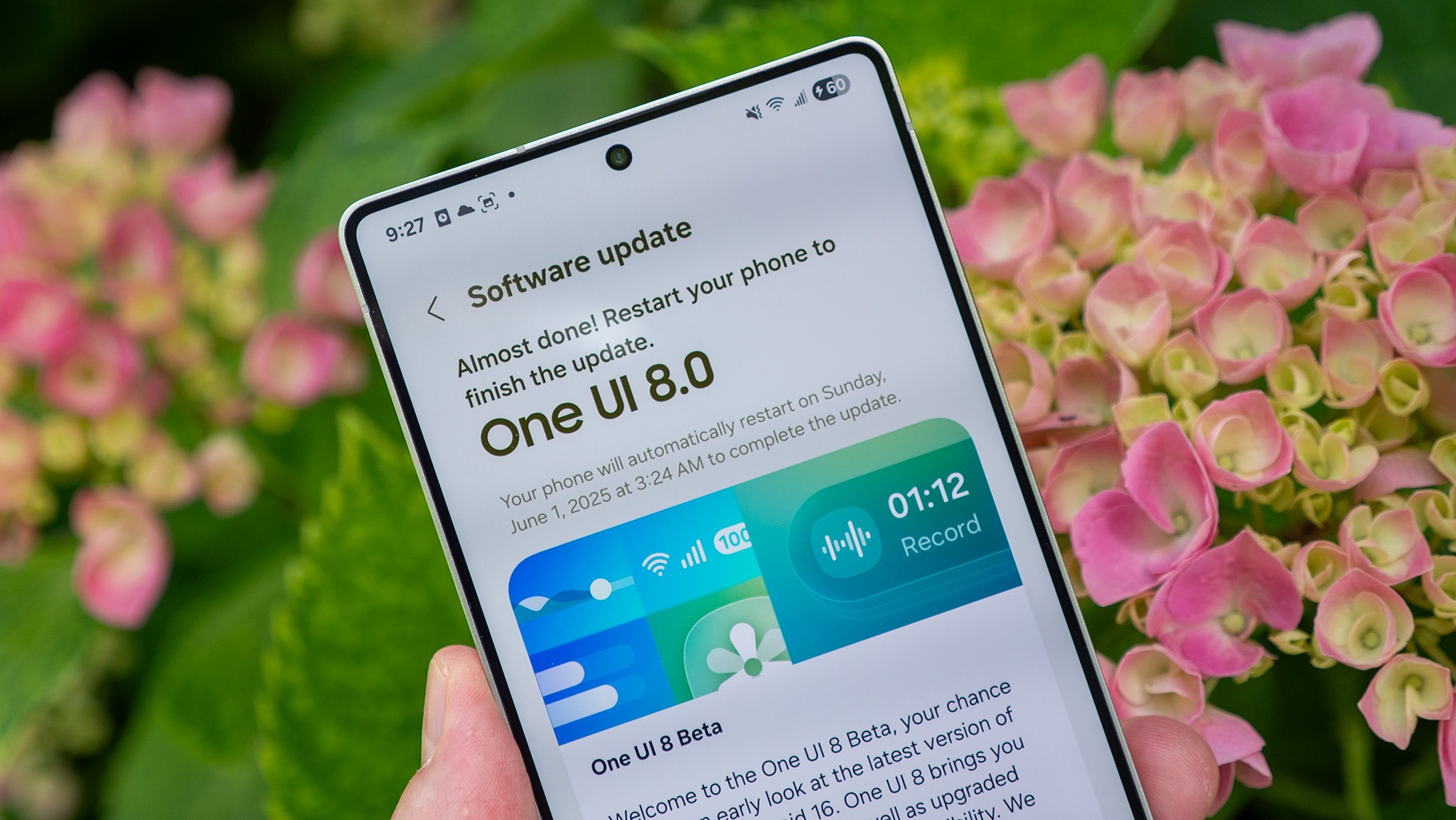
The Samsung Members app is required for beta program participation and can be downloaded from the Galaxy Store.
When devices become eligible, a One UI 8 beta banner will appear within the app.
One UI 8 beta downloads are expected to be several gigabytes in size, requiring sufficient internal storage space.
Samsung recommends maintaining at least 10GB of free storage for optimal performance during and after installation.
Battery levels should reach at least 30% before beginning the update installation to prevent device shutdown during the process, which could lead to installation failures and potential complications.
Samsung emphasises complete data backup before beta installation to prevent loss during potential installation failures.
Users can utilise automatic cloud backups through Google Drive, Mega, or Samsung Cloud services.
Samsung Cloud offers free backup with no storage limits, though files remain on servers for only 30 days before automatic deletion.
Users must restore files within this timeframe to avoid permanent loss.
The expanded beta program reflects Samsung’s commitment to gathering user feedback across a broader device range before the stable One UI 8 release later this year.