Samsung Gallery Is Finally Getting The Google Photos Integration Users Have Wanted
 Dominic Bayley
21 Sep 2026
Dominic Bayley
21 Sep 2026
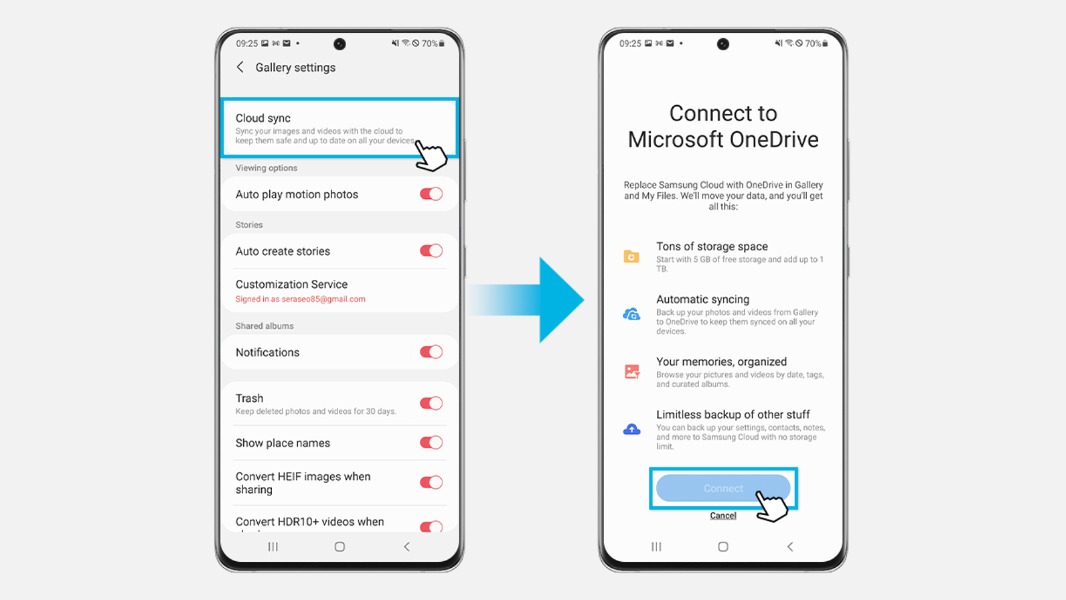
One UI has long been one of the more polished Android interfaces, and Samsung has an advantage that many other Android manufacturers don’t: a dedicated Gallery app that works seamlessly with the rest of the system. But there has always been one notable limitation. If you wanted proper cloud backup directly through Samsung Gallery, your main option was Microsoft OneDrive.
That’s finally changing.
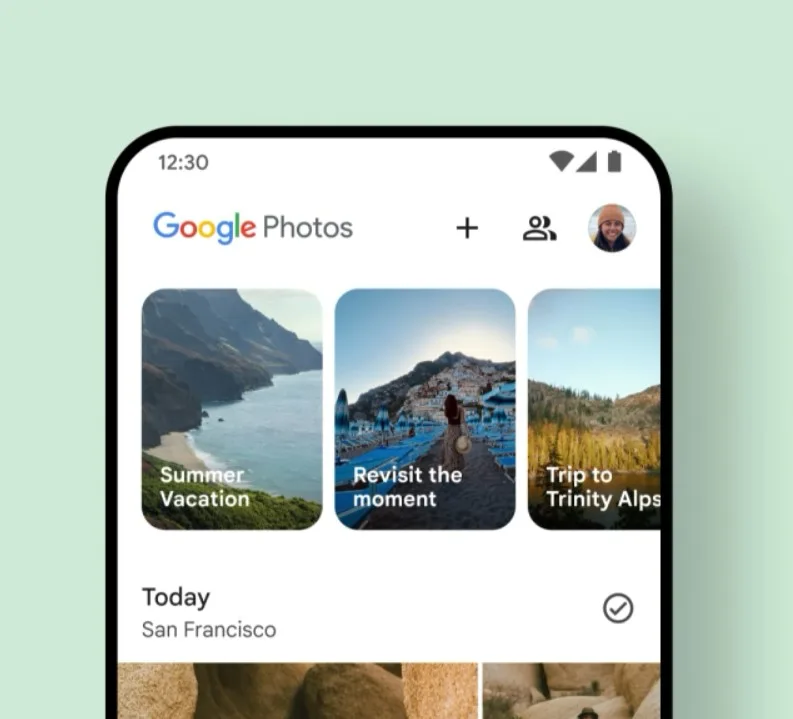
Samsung Galaxy devices are gaining direct Google Photos integration within Samsung Gallery, allowing users to sync their photos, videos, and selected albums with a Google account without having to switch away from Samsung’s own Gallery app.
The timing is particularly convenient, as Samsung prepares to end its long-running OneDrive Gallery integration on September 30.
The new feature, called Gallery Cloud Sync, can automatically back up your camera roll as well as selected folders, including folders such as Screenshots and Downloads. Media is backed up at its original quality, with the storage counting toward your Google Account storage quota.
Once synced, your media remains accessible through Samsung Gallery and Google Photos. It can also be accessed on other compatible Galaxy devices signed into the same Samsung account. Metadata such as timestamps, location information, and favorites can be carried over as well.
There are a few requirements and limitations to keep in mind. Google says the feature requires Android 13 or later and a personal Google Account. Google Workspace and supervised accounts aren’t supported, while availability may vary depending on the device, account, and region.
More importantly, Samsung’s integration isn’t identical to backing up your media directly through the Google Photos app.
Photos and videos uploaded through Samsung Gallery won’t automatically gain access to some Google Photos features, including Memories and Highlights, Live Albums, and Search. If you want the full Google Photos experience, you may still need to back up your media directly through the Google Photos app.
The integration is also two-way, which means changes made in either service can affect the other. For example, deleting a synced photo from Samsung Gallery can also remove it from Google Photos and your cloud storage, and the same works in reverse.
Edits can also sync between the two services. However, Google warns that in some situations you may end up seeing both the original and edited versions, depending on which app was used to make the change.
Despite those limitations, the arrival of Google Photos support gives Samsung users a much more straightforward cloud-backup option. For people already invested in Google’s ecosystem, having Google Photos work directly with Samsung Gallery is considerably more convenient than relying on OneDrive or Samsung’s previous cloud-storage experience.
And with the OneDrive integration coming to an end, the timing couldn’t be better.