Oppo Expands AI Features With Major ColorOS 16.1 Refresh
 April Ossington
14 May 2026
April Ossington
14 May 2026
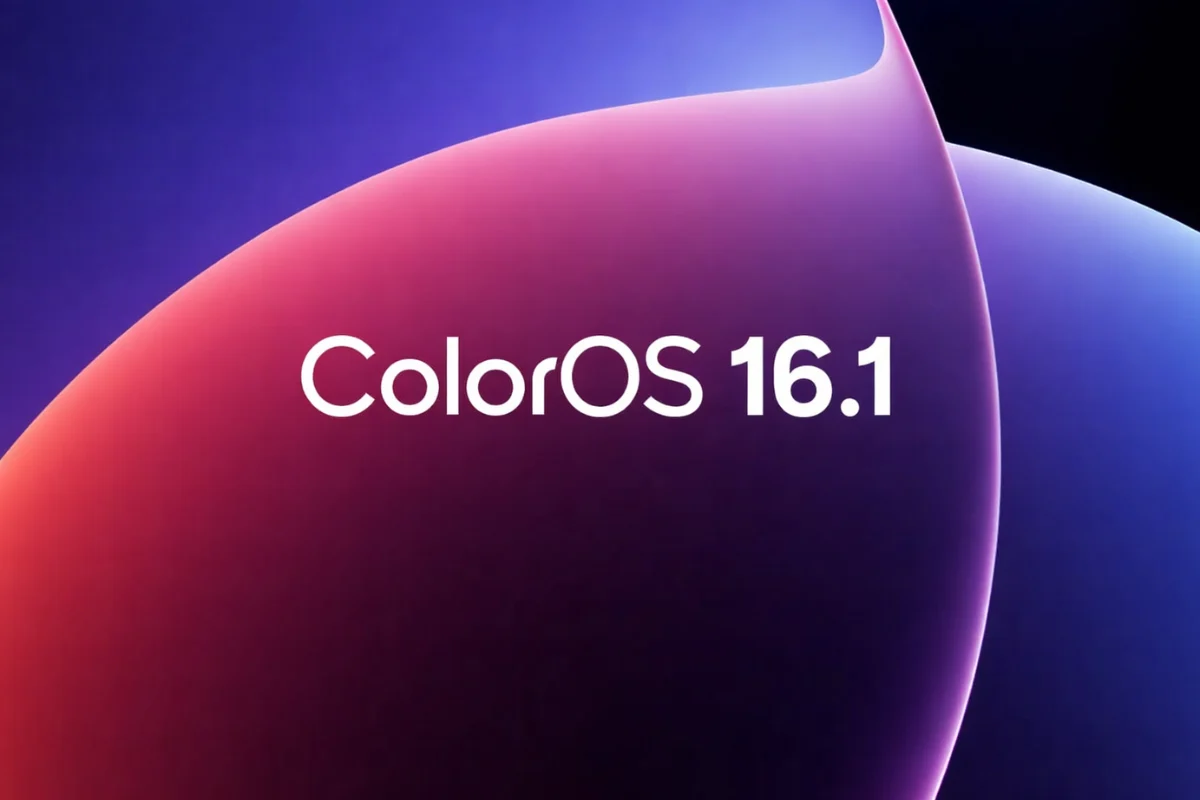
Oppo has begun releasing its latest ColorOS 16.1 software update, introducing a broad collection of design tweaks, AI-powered tools and usability upgrades built on top of Android 16.
While the software is technically a mid-generation refresh ahead of Android 17, the update delivers enough changes to feel closer to a substantial platform overhaul than a routine update.
The rollout has started with the Oppo Find X9 series, while the Reno 15 lineup and Find X8 models are expected to receive the software in the near future. Oppo’s forthcoming Find X9s and Find X9 Ultra handsets will ship with ColorOS 16.1 pre-installed.
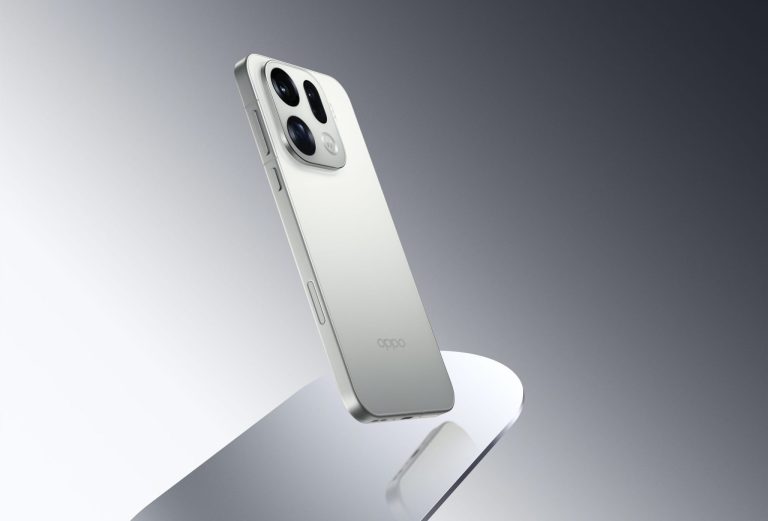
At this stage, Oppo has only confirmed a release schedule for China. The company has not yet revealed when international users will receive the update, although current indications suggest availability may focus primarily on newer flagship devices and selected mid-range smartphones.
One of the most noticeable additions is a new feature called Live Space, which introduces a floating capsule-style interface positioned near the bottom of the display. The tool provides quick access to live information such as countdown timers, music playback, food delivery progress and notifications without requiring users to unlock their device or open applications.
Users can expand the capsule for extra controls or swipe through multiple activities. The feature also integrates with Google Maps and music playback, including lock-screen lyric support and larger media controls.
Oppo has also refreshed parts of the interface with a new Contour Glow visual effect, adding subtle animated highlights around certain elements including widgets, Control Centre switches and search bars. The effect can be switched on or off through settings.
The Camera application has undergone a significant redesign with translucent layers, floating menus, blur effects and smoother transitions throughout the interface. Quick controls can now be accessed with an upward swipe from the viewfinder, while settings appear in compact pop-up cards rather than taking over the entire screen.
Artificial intelligence plays a major role throughout the update. Oppo’s new MindPilot AI assistant is deeply integrated into the operating system and supports AI models from ChatGPT, Gemini and Perplexity. The system can use contextual information from apps and user activity to deliver more personalised responses and suggestions.
A new AI Bill Manager has also been introduced to help users monitor spending habits, income and monthly financial patterns. The feature supports imported records from spreadsheets and compatible applications, while AI-powered queries can provide insights into spending trends and budgeting.
Frequent travellers may benefit from the new AI Menu Translation tool, which can instantly translate foreign text through the phone’s camera without requiring a separate translation app. The feature can also identify prices and convert currencies in real time. Offline language packs totalling around 518MB are available for downloaded use.
Home screen management has also gained AI support, allowing the software to automatically arrange applications by category or even icon colour. Previous layouts can be restored later if users wish to revert changes.
Oppo has upgraded its document scanning capabilities as well, with improved handling of glare, blur, shadows and distorted pages. The software can now more accurately recognise handwriting, large text sections and tables, while scanned files can be exported directly to Word documents or copied instantly.
Another addition is Audio Sharing, which allows two audio devices to connect simultaneously so users can play sound through both at the same time. The feature supports compatible earbuds and wireless audio products through a dedicated sharing menu.
System animations have also been refined, with Oppo promising smoother transitions when opening apps, switching between windows and scrolling through content. The company says the adjustments reduce jitter and improve responsiveness throughout the interface.
Finally, Oppo has expanded Quick Share with support for Apple AirDrop compatibility on selected devices including the Find X9 and Find X9 Pro, enabling easier wireless file transfers between Oppo and Apple products without relying on third-party software.