Microsoft Expands Copilot AI To OneDrive
 Peter Holmes
09 Oct 2024
Peter Holmes
09 Oct 2024
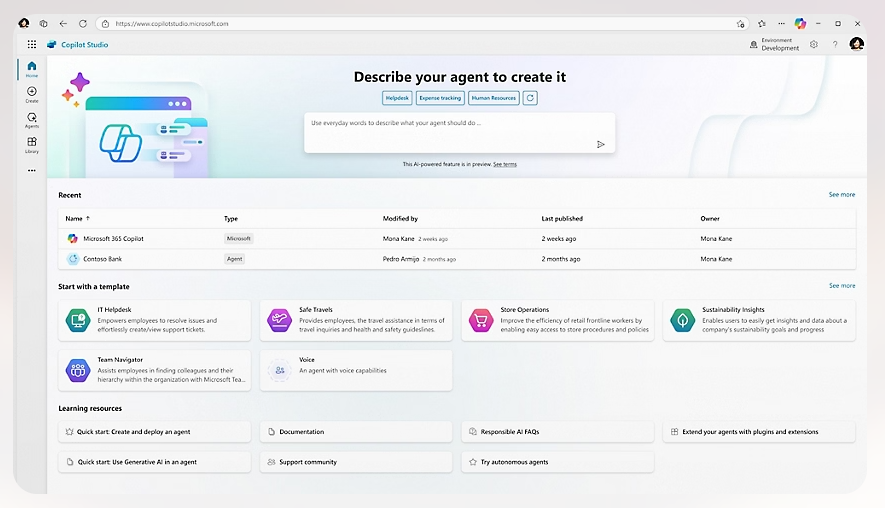
Microsoft has revealed that Copilot Agent – a custom-built AI assistant – is coming to OneDrive.
The company describes a Copilot Agent – unveiled in May – as a “custom-built AI assistant, designed by you and tailored to meet your specific needs”. But at its OneDrive event in the US on Tuesday, MS revealed the Copilot Agent expansion.
“You can gather relevant files, documents and data into a powerful, shareable assistant that knows everything about your project,” says Jason Moore, Microsoft VP of Product for OneDrive.
“Imagine you’re organising a conference, and you need to repeatedly provide the same information to various stakeholders. With a Copilot Agent, you can automate this process by directing it to respond to common requests, like ‘show me the event agenda’ or ‘summarise the latest budget figures’.”

After creating a Copilot Agent, you can share it with a group. It works across Microsoft Teams, OneDrive and SharePoint.
Moore gives the example of onboarding a new team member.
“Instead of sending them multiple links, emails and files, you can simply share your Copilot Agent in a Teams chat. With one click, your teammate can start interacting with the agent, asking questions, and getting real-time answers.”
Moore says the company has “supercharged OneDrive’s web experience” and “you can now view, edit and organise your files with speed – even when you’re offline. From browsing large libraries to filtering documents, everything is faster, smoother and more responsive”.
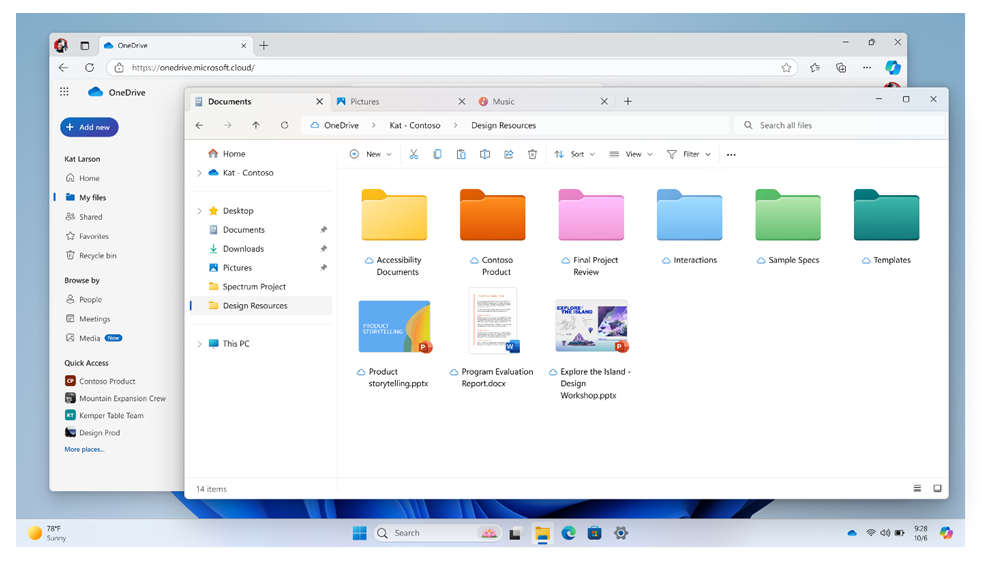
New coloured folders in OneDrive.
He says OneDrive’s search function has new filter controls and more detailed results, which should make it faster and easier to find a file or a folder. The update is being rolled out now and will be available to commercial customers by the end of 2024.
As of today OneDrive is extending support for coloured folders to Windows File Explorer, allowing you to personalise and organize your files with “vibrant hues”.
In 2025 Moore says you will be able to get meeting recaps directly from OneDrive to generate detailed highlights and key points, and organise them into “actionable insights”.
“Also, you will soon have the ability to convert files into presentations – turning Word documents into detailed PowerPoint presentations.”