Google Brings Desktop-Style Android Mode To Pixel Phones And Tablets
 Joe Gallop
04 Mar 2026
Joe Gallop
04 Mar 2026

Google is rolling out a desktop-style experience for Pixel devices, allowing newer phones and tablets to function more like a traditional computer when connected to an external display.
The feature arrives as part of Google’s March Pixel Feature Drop, enabling Pixel 8 and newer devices to connect to a monitor via USB-C and launch what the company describes as a “desktop-like multi-window experience.”
When plugged into a compatible display, users can operate Android with a mouse and keyboard, run multiple apps simultaneously and interact with windows in a layout similar to a desktop PC.
The feature also extends to foldable devices, including the Pixel 9 Pro Fold and Pixel 10 Pro Fold, while the Pixel Tablet will receive a dedicated desktop windowing interface that supports overlapping, resizable app windows.
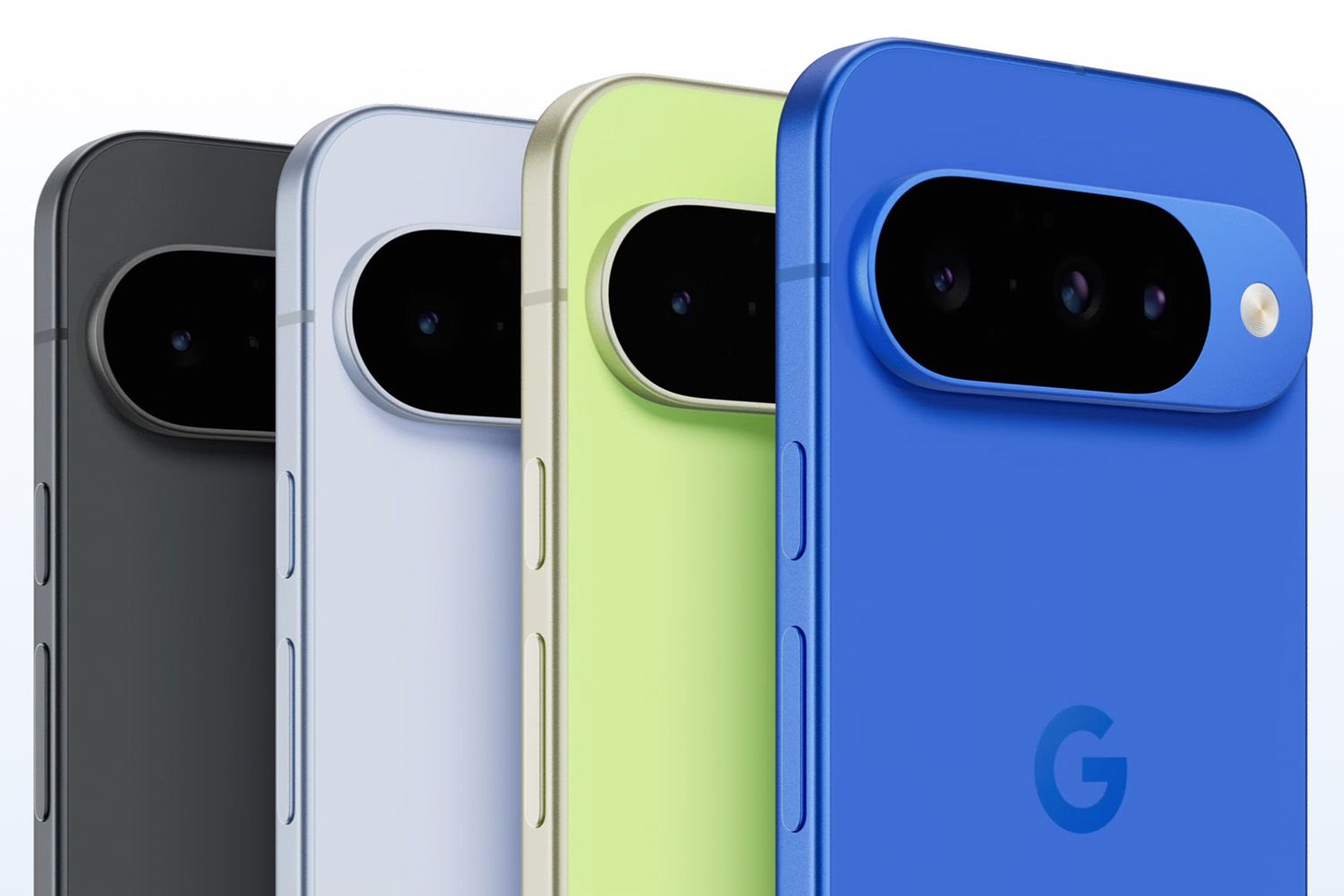
Google has been signalling plans for a desktop-style Android experience for some time.
The company previewed early concepts last year (pictured main) and has been working with Samsung to build on ideas similar to the Korean vendor’s DeX platform, which converts Galaxy smartphones into a desktop environment when connected to larger displays.
The new Pixel capability marks Google’s most significant push yet toward mobile-to-desktop convergence within its own hardware ecosystem.
With the update, a Pixel phone connected to a monitor can present a larger interface with multiple app windows, allowing users to arrange applications side-by-side or stacked, much like they would on a laptop or desktop computer.
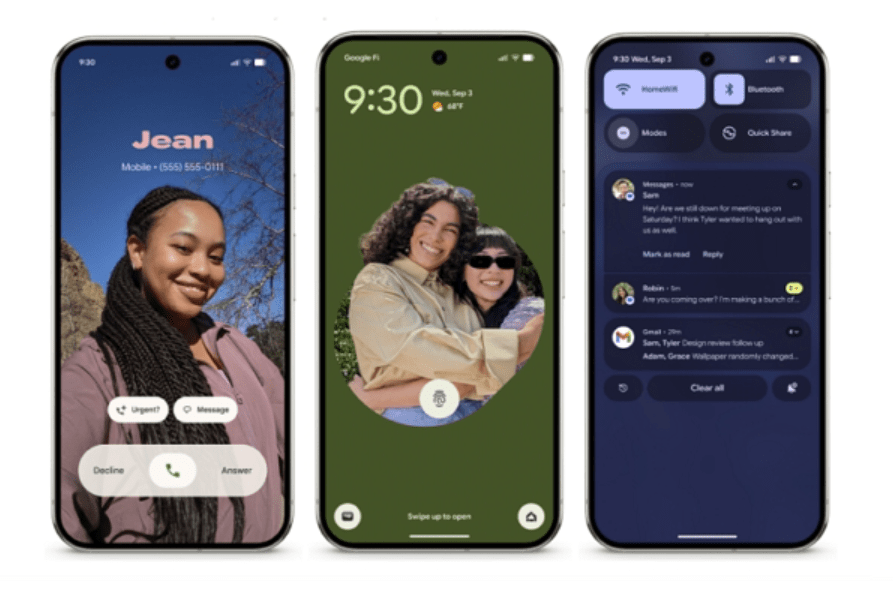
The move could appeal to enterprise and productivity-focused users, particularly those looking to consolidate devices for hybrid work setups. In theory, a single Pixel handset could act as both a smartphone and a lightweight workstation when paired with peripherals.
Google is also expanding productivity features on tablets.
The Pixel Tablet’s new windowing system allows apps to be dragged, resized and layered, offering a more flexible multitasking experience than the existing split-screen mode.
The rollout forms part of a broader update that also introduces AI-generated home-screen icons, new accessibility features and additional Gemini-powered capabilities across Pixel devices.
Google is yet to show final screenshots of the desktop interface.