Apple Pay Later Among Raft Of iPhone Updates
 Nathan Jolly
07 Jun 2022
Nathan Jolly
07 Jun 2022

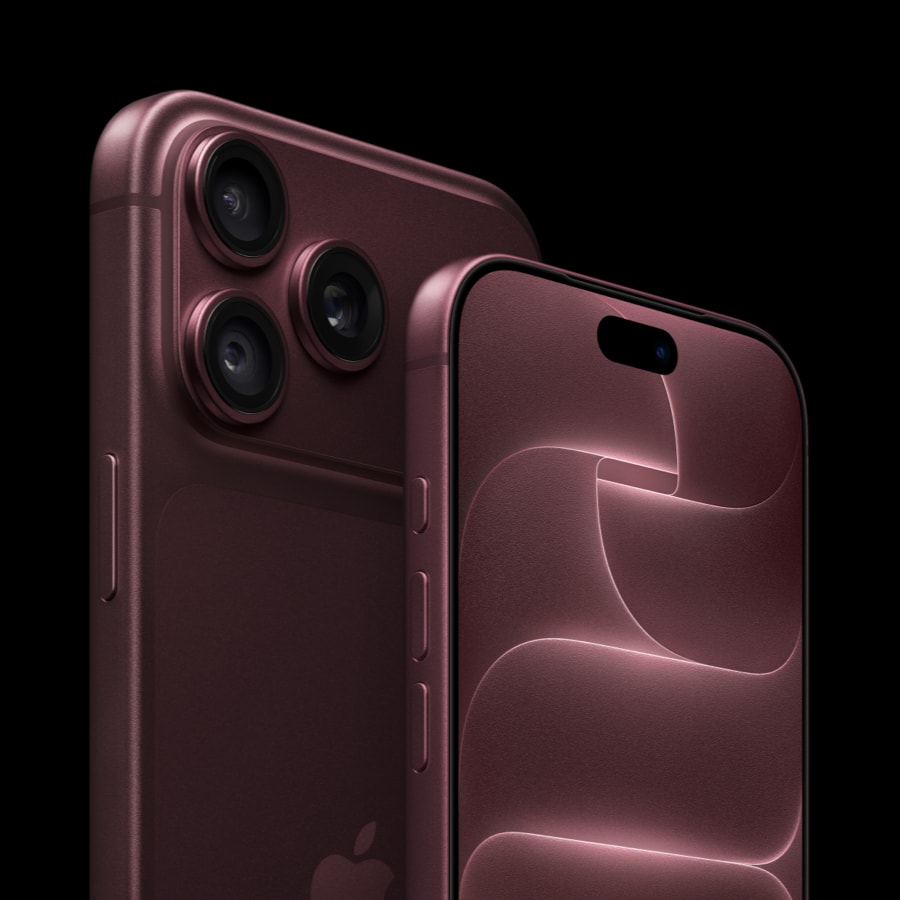
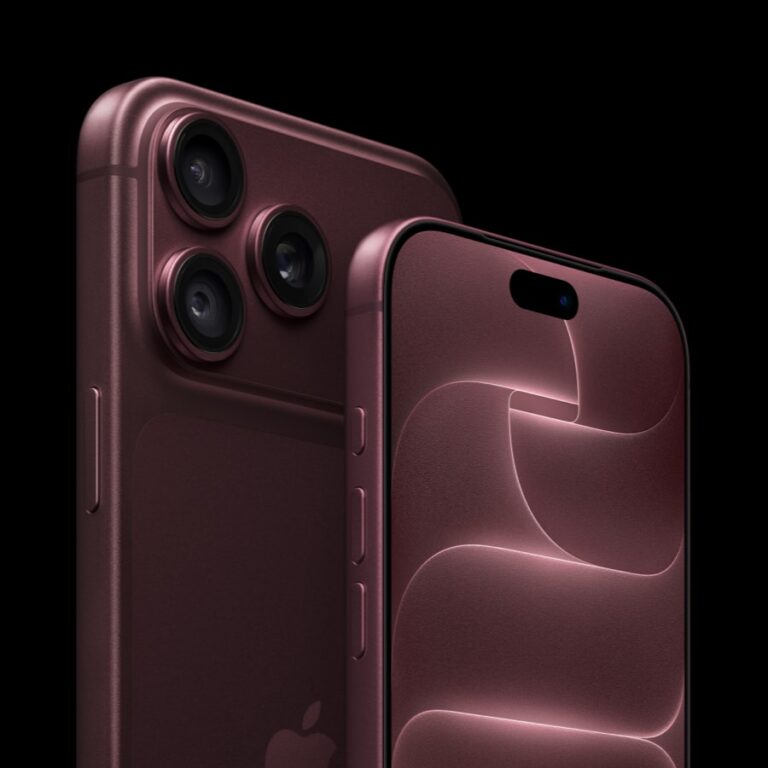
Apple has given its iPhone operating system the most substantial update in years, with a raft of new and interesting features.
The most dramatic is the introduction of Apple Pay Later, which sees the tech giant enter the crowded BNPL market, with installment plans baked into Apple Pay.
In addition Apple Pay Order Tracking gives receipts, and order tracking information in Wallet, and Keys in Wallet also gets more support, with secure sharing of hotel, office, car, and house keys through iMessage and Mail. You can also add travel cards to your Wallet, and even automatically top these up if you are running low.

By far the most useful new feature is a long time coming: Multi-Stop Routing for Apple Maps. It allows you to step out a trip with multiple destinations, and send a daily itinerary to your iPhone, with up to 15 stops allowed. You can even direct Siri to change the trip mid-flight without screwing it up.
CarPlay is also getting a huge refresh, with the ability to send information to multiple screen in your vehicle, as well as allowing you to control the radio, and the in-car climate settings, and even swap out the factory-set displays for the likes of speed and fuel gauges, as well as in-car and outside weather conditions. It will deeply integrate with a car’s hardware” according to Apple.

The Lock Screen is also highly customisable, with new themes, colours, fonts, positioning, and the ability to displaying selected widgets. Live Activities will also update things like sports scores, weather, Ubers, and food deliveries on the lock screen, meaning you won’t have to open your phone each time you want a progress update.

Apple is also improving sharing abilities, with a Shared Photo Library allowing groups of friends or family to each contribute to and access a separate iCloud library (much like Google photos). Family Sharing allows parents to set up age-restricted accounts for their kids, with limited screen time, no R-rated access, and other parental controls as a default. SharePlay is now baked into iMessage, allowing the syncing of multimedia content with shared playback controls.

Safety Check will allow users to ghost location tracking and reset privacy settings with a few keystrokes, as well as signing out of all devices and locking iMessages and FaceTime, should your device fall into the wrong hands. Permission granting and tracking will also be simplified.

Much like on MacOS, Apple’s Mail app now has similarly functionality as Gmail, allowing better search, scheduled emails, the ability to unsend an email, and reminding you if you forgot to add an attachment.
Even iMessages have been improved, allowing you to edit or unsend recently sent messages, recover deleted messages, and mark messages as unread.
You can also hold and drag the subject of an image to Photoshop it out of a background and place it in an iMessage or email.

Smaller, but still useful changes include: Apple News adding a My Sports section with real-time score and stats updates; the Fitness app coming to the iPhone; Door Detection, which helps sight-impaired users navigate the world better; Live Captions for the deaf; a redesigned HomeKit that will become more useful once Matter comes into play; improved Siri, including the much-requested “Hey, Siri: hang up” and the ability to send emojis and add automation punctuation; and a redesigned Game Centre dashboard.