Samsung Admits One UI 9 Bug Is Making Galaxy Status Bar Icons Disappear
 Dominic Bayley
21 Oct 2026
Dominic Bayley
21 Oct 2026
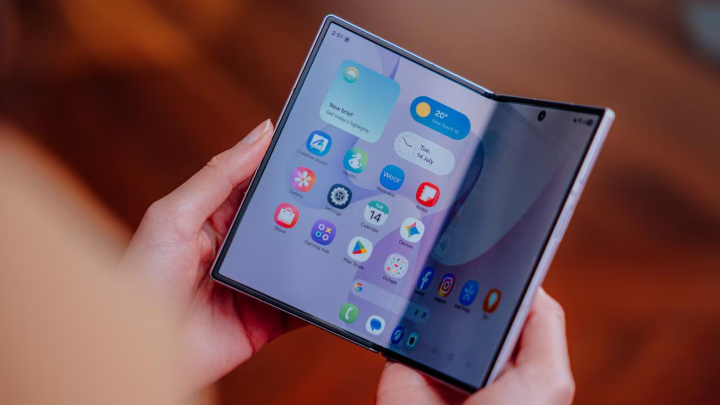
Samsung has acknowledged a frustrating bug in its One UI 9 software that is causing status bar icons to disappear or respond incorrectly to customisation settings on some Galaxy smartphones.
The company has confirmed that developers have identified the problem and are working on a fix, although users may have to wait as the issue requires changes to the underlying operating system.
The bug was first highlighted on Samsung’s South Korean community forum, where a Galaxy owner reported unusual behaviour after installing One UI 9.
The problem centres on QuickStar, a module within Samsung’s Good Lock customisation suite that allows users to control which system indicators appear in the status bar.
Following the update, some of those controls appear to have become mixed up, with changes to one setting unexpectedly affecting an entirely different icon.
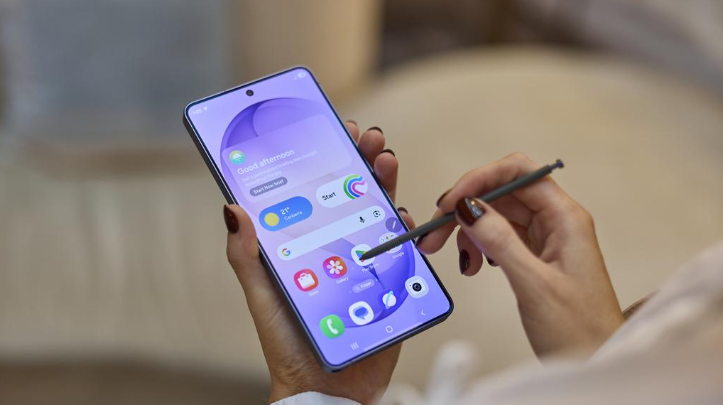
In one example, enabling Do Not Disturb caused a missing Wi-Fi icon to reappear. Disabling the network indicator, meanwhile, resulted in the Wi-Fi symbol disappearing instead.
The user also shared a video demonstrating several other instances of icons behaving incorrectly, suggesting the problem extends beyond a single setting.
Samsung’s Good Lock support team has since responded to the complaint, confirming that the issue has been identified and that improvements are being prepared.
However, the company explained that the problem cannot be resolved through a straightforward QuickStar app update.
Instead, changes to the underlying One UI platform are required, followed by additional testing and review before a fix can be released.
Samsung has not provided a timeline for when the update will become available.
Interestingly, the company has also addressed a separate issue that causes Wi-Fi, alarm and other status bar indicators to disappear after upgrading to One UI 9.
While the symptoms are similar, Samsung says this particular problem is related to the amount of space occupied by the date displayed in the status bar.
Certain date formats can take up too much room, leaving insufficient space for other system icons to appear.
Fortunately, this issue has a relatively simple workaround. Samsung recommends selecting a shorter date format, which should free up space and allow the missing indicators to return.
That means Galaxy owners experiencing disappearing icons may be able to restore them without installing another software update.
The QuickStar issue is more complicated, however, as incorrectly mapped controls will require an official software fix.
For now, Galaxy users experiencing status bar problems after installing One UI 9 should check their date display and Good Lock settings to determine which issue is affecting their device.
Those encountering the bug where changing one setting affects an unrelated icon will have to wait until Samsung releases its promised fix.