Fed Up With Smart TV Ads? Users Are Turning To AI To Fight Back
 Dominic Bayley
22 Oct 2026
Dominic Bayley
22 Oct 2026
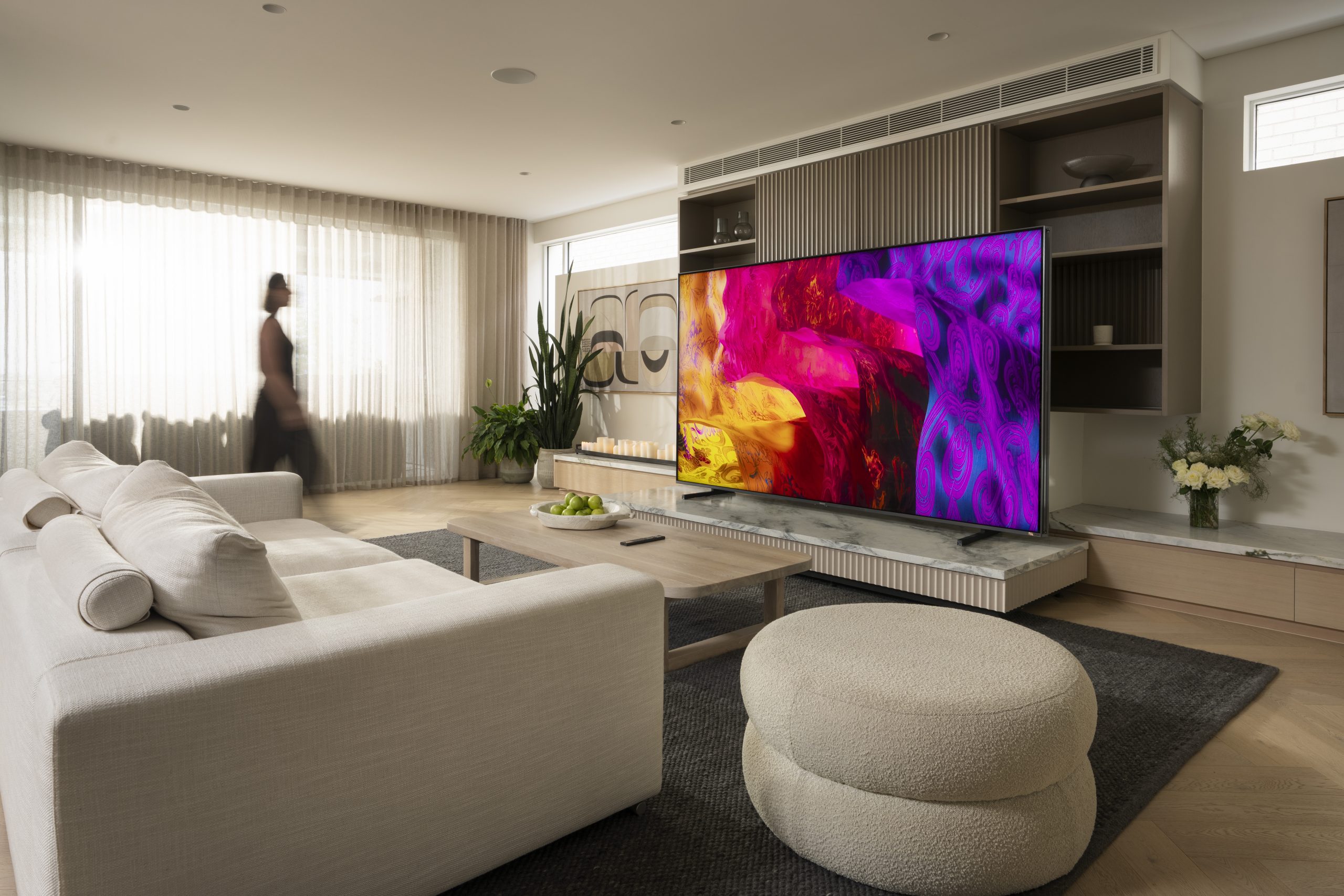
Smart TV owners are increasingly frustrated with advertising, unwanted apps and data tracking cluttering their television screens. Now, some users are turning to artificial intelligence to take back control of their TVs and create cleaner, ad-free interfaces.
The growing backlash has gained momentum after a developer known as Gathin shared a project on X showing how he used Anthropic’s Claude Code AI tool to completely redesign the home screen of his parents’ Xiaomi Android TV.
The project, which reportedly took just an afternoon to complete, replaces the television’s cluttered interface with a minimalist launcher inspired by Apple’s tvOS software.
The post quickly went viral, attracting more than 6.2 million views and highlighting growing dissatisfaction with the way Smart TV manufacturers are using their home screens to promote content, display advertisements and collect viewing data.
Gathin described the project as a way to strip unwanted software from Android TV and Google TV devices over Wi-Fi, replacing their advertising-heavy interfaces with a cleaner layout that focuses on apps and entertainment.
While custom Android TV launchers have existed for years, the use of AI coding tools has attracted fresh attention by demonstrating how users can create their own interfaces without having to write every line of code themselves.
The project also comes amid mounting criticism of Smart TV manufacturers for increasingly intrusive advertising and unwanted software features, including recent controversy surrounding LG’s Smart TV platform.
One advantage of Android TV and Google TV is that both platforms offer considerably more flexibility than some competing television operating systems.
Users can install alternative launchers without rooting their televisions or making permanent changes to the underlying firmware. In many cases, the original interface can also be restored if users decide to switch back.
Android TV and Google TV power televisions from manufacturers including Sony, TCL, Xiaomi, Philips and Hisense, along with streaming devices such as Nvidia Shield, Chromecast and Google TV Streamer.
Gathin has since launched the website cleanyour.tv and published the project’s code on GitHub, giving other users access to tools and instructions for removing unwanted software and installing a simplified home screen.
Other projects, including tv-detox and dumbtv, offer similar approaches to removing advertising, reducing unnecessary background services and limiting unwanted tracking.
The developer behind dumbtv argues that televisions should focus on the features consumers actually purchased them for, rather than becoming platforms for additional advertising and data collection.
“Your TV should do what you paid for: your apps, your HDMI inputs, and nothing else. No ads from the TV itself, no watch tracking, no update you did not ask for,” the developer said.
However, not every Smart TV is as easy to customise.
LG televisions running webOS and Samsung models using Tizen are considerably more restrictive, with neither platform officially supporting the installation of third-party home screen launchers.
Although developers have experimented with workarounds, these approaches can be more complicated and may not work reliably across different models or software versions.
There are also risks associated with using AI-generated code to modify a television’s software. Incorrect commands could disable useful features, interfere with system updates or create other problems.
AI coding tools can help automate parts of the process, but they don’t guarantee that the resulting software will work correctly or safely.
Fortunately, Smart TV owners don’t necessarily need AI or programming knowledge to achieve a similar result.

Several established alternative launchers for Android TV and Google TV are already available through the Google Play Store, with many offering free versions and optional premium features.
These applications can provide a simpler home screen that prioritises installed apps rather than recommendations and advertisements, although additional setup may be required to make an alternative launcher the default interface.
FlatpanelsHD has also published a guide explaining how to install alternative launchers on Google TV devices without writing code.
The growing interest in stripped-back Smart TV interfaces highlights a broader frustration among consumers who want more control over devices they’ve already paid for.
And while AI may make customisation easier for technically minded users, the simplest solution for most people could be installing an existing launcher and leaving the coding to someone else.